
An Express app that works on your machine is about fifteen lines away from one that works on a server, and every one of those lines is something the tutorials skip because it does not matter locally. The app has to bind to the port the host gave it, on every interface. It has to know it is behind a proxy, or req.ip is the proxy's address and your rate limiter counts everyone as one person. It needs an error handler that catches rejected promises, a shutdown that drains in-flight requests, and keep-alive timings that do not race the thing in front of it.
This is that list, in the order it bites. It applies to any Node HTTP server - Fastify, Koa, a bare http.createServer - but the specifics here are Express, because that is what most people are deploying.
Listen on the right port, and the right interface#
Two lines, both of which are wrong in the default tutorial:
const port = Number(process.env.PORT) || 3000;app.listen(port, () => { console.log(`listening on ${port}`);});The port comes from the environment. A hosting platform allocates one and tells you about it through a variable; hard-coding 3000 means the app either fails to bind or binds to a port nothing routes to. On RE:NODE, app plans include one port allocation, shown on the Network tab and available to the process as an environment variable set on the Startup tab.
The interface is the subtler half. app.listen(port) with no host binds to all interfaces, which is what you want. app.listen(port, "127.0.0.1") binds to loopback inside the container, and then nothing outside it - including the reverse proxy in front of it - can connect. The symptom is an app that starts perfectly, logs "listening", and answers nothing: connection refused from the proxy, a 502 to the browser, and not one line in your own log. If you must be explicit, write "0.0.0.0".
The same applies to anything else that listens. A metrics endpoint, a debug server, a WebSocket upgrade path: all of them live behind the same single allocation, so mount them on the same server rather than opening a second port you do not have.
Behind the proxy: trust proxy and the real client IP#
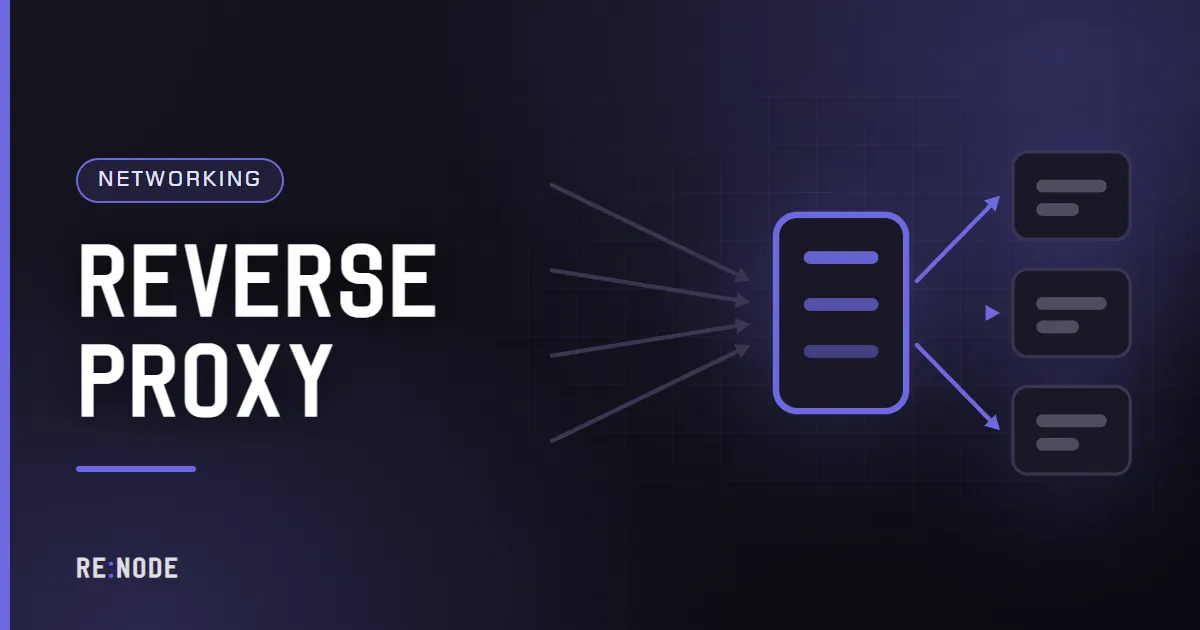
In production your app is not talking to the browser. It is talking to a reverse proxy that terminated TLS, and the original request details survive only as headers.
Without configuration, Express reports the proxy's address as req.ip, http as req.protocol, and false for req.secure. Everything that depends on those is then quietly wrong: rate limits keyed by IP become a single global bucket, audit logs record one address for every user, and a redirect to the canonical host sends people to http://.
app.set("trust proxy", 1);The 1 means "trust one hop". It tells Express to take the last entry in X-Forwarded-For as the client, because exactly one proxy added it. Count your hops: one proxy is 1, a CDN in front of a proxy is 2. You can also pass a subnet, a list, or one of the named presets such as loopback.
With the setting correct, req.ip is the real client address, req.protocol is https, and req.secure is true. On RE:NODE the proxy slot forwards the client address in X-Forwarded-For and handles the certificate itself - point an A record at the address shown and it is issued and renewed automatically inside a 21-day window. The mechanics are in what a reverse proxy actually does and pointing a domain at your server.
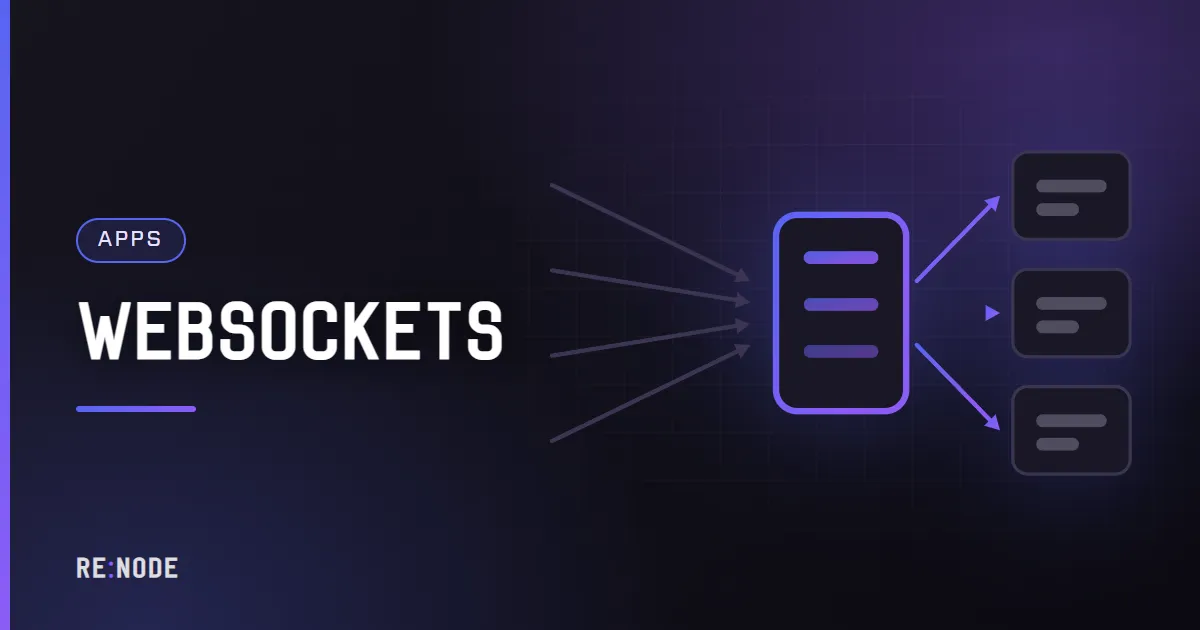
If your API serves WebSockets, the proxy has to be willing to pass the upgrade through, and the idle timeouts matter more than they do for plain requests. WebSockets behind a reverse proxy is the specific case.
Middleware, in the order it has to be in#
Express runs middleware in registration order, and several production problems are ordering problems rather than configuration ones.
import express from "express";import helmet from "helmet";import compression from "compression";import cors from "cors";import pinoHttp from "pino-http";const app = express();app.set("trust proxy", 1);app.use(pinoHttp()); // log everything, including failuresapp.use(helmet()); // headers before any response bodyapp.use(compression()); // before the routes that produce bodiesapp.use(cors({ origin: ["https://app.example.com"], credentials: true }));app.use(express.json({ limit: "100kb" }));What each one is actually doing:
- helmet sets a group of response headers and removes
X-Powered-By. For a JSON API the important ones areX-Content-Type-Options: nosniff,X-Frame-Options, a referrer policy and HSTS. Its default Content Security Policy is aimed at HTML, so if you serve documentation or an admin page from the same app, configure the policy rather than deleting helmet. Check the HSTSmax-agein the version you installed before quoting a number to anyone. - compression gzips responses above a threshold. It is worth it for JSON of any size and pointless for images, video or anything already compressed. It has no Brotli support. It also buffers, which breaks server-sent events unless you call
res.flush()after each write, and it is redundant if the proxy in front already compresses - doing it twice costs CPU for nothing. - cors must run before your routes, because a preflight
OPTIONSnever reaches them.credentials: truecannot be combined with a wildcard origin; browsers reject that pairing, so list your origins explicitly. - `express.json` has a 100 KB default body limit. Raise it deliberately if you accept larger payloads, and do not raise it globally because one endpoint takes uploads - a body limit is the cheapest denial-of-service defence you have. Rate limits and abuse covers the rest of that surface.
Logging goes first so that a request which fails inside another middleware is still logged. Log in JSON to stdout: the panel console shows it live, and structured lines are the difference between grepping and guessing. What to keep and for how long is in logs worth keeping.
Errors, and the handler you probably do not have#
Express matches an error handler by arity: four arguments, registered after everything else.
app.use((req, res) => { res.status(404).json({ error: "not_found" });});app.use((err, req, res, next) => { req.log.error({ err }, "request failed"); if (res.headersSent) return next(err); res.status(err.status || 500).json({ error: "internal_error" });});Three details decide whether this works.
Async handlers. In Express 4, a rejected promise inside async (req, res) => {} is not caught by Express at all. It becomes an unhandled rejection, which in current Node terminates the process - so one failed database call takes down every in-flight request. The fixes are to wrap handlers, to use a package that patches this, or to move to Express 5, which forwards rejections from async handlers to your error middleware. If you do upgrade, be aware that Express 5 also changed its route pattern parser, so a few older path patterns need rewriting; check the migration notes if routes stop matching.
The response body. Express's built-in error handler includes the stack trace in the response unless NODE_ENV is production. A stack trace tells an attacker your directory layout, your dependency versions and often your database driver. Set NODE_ENV=production on the Startup tab and return an error code rather than a message from the exception.
Process-level handlers. Log and then decide, rather than swallowing:
process.on("unhandledRejection", (err) => { console.error("unhandled rejection", err);});process.on("uncaughtException", (err) => { console.error("uncaught exception", err); process.exit(1);});An uncaught exception leaves the process in an unknown state, so exiting and letting the platform restart it is the correct response. What is not correct is catching it and carrying on, which is how an API ends up serving requests from a process with a half-closed database pool.
Configuration that fails fast#
Read configuration once, at boot, and refuse to start when something is missing:
const required = ["DATABASE_URL", "SESSION_SECRET"];const missing = required.filter((name) => !process.env[name]);if (missing.length) { console.error(`missing configuration: ${missing.join(", ")}`); process.exit(1);}A process that exits in two seconds with a clear line is infinitely easier to diagnose than one that starts, accepts traffic, and returns 500s because a connection string was undefined. It also interacts well with restart policies: a server that cannot start does not sit in a loop pretending to work.
Secrets belong in environment variables on the Startup tab, not in the repository and not in a committed .env. Where to put secrets on an application server makes the case and covers what to do the day one leaks. Database credentials come from the panel when you create a database slot - app plans include two - and the connection is pooled, which is where most APIs make their first capacity mistake. Connection pools and limits explains why a pool of 100 on a small database is slower than a pool of 10.
Starting and stopping without dropping requests#
Every deploy stops your process. Whether that costs your users an error depends on what happens in the last two seconds.
const server = app.listen(port);server.keepAliveTimeout = 65_000;server.headersTimeout = 70_000;process.on("SIGTERM", () => { server.close(() => process.exit(0)); server.closeIdleConnections(); setTimeout(() => process.exit(1), 10_000).unref();});server.close() stops accepting new connections and waits for in-flight requests to finish. On its own it can hang, because keep-alive connections sitting idle are still connections; closeIdleConnections() (Node 18.2 and later) clears those, and the timer is the backstop for a request that never ends.
The two timeouts are the fix for a specific and maddening symptom: occasional 502s under light traffic, with nothing in the application log. Node's default keepAliveTimeout is 5 seconds. If the proxy in front holds idle connections longer than that, it will sometimes send a request down a connection Node is closing at the same instant, and the proxy reports a bad gateway. Making Node's keep-alive window longer than the proxy's removes the race, and headersTimeout must be larger again or it closes the connection first.
Add a health endpoint that does not touch the database:
app.get("/healthz", (req, res) => res.json({ ok: true, uptime: process.uptime() }));Liveness answers "is this process alive", and that is all it should do. A health check that runs a query turns a slow database into a restart loop, which turns a degraded service into an outage. If you want to expose readiness, make it a second, separate endpoint. Graceful shutdown and health checks goes through the distinction.
Deploying it#
The start command installs from the lockfile and runs one process:
npm ci --omit=dev && node dist/server.jsnpm ci installs exactly what package-lock.json says and fails if the lockfile and the manifest disagree, which is what you want on a server; npm install resolves something new and is how an untouched app breaks on restart. If the project is TypeScript, either compile in CI and ship the output or drop --omit=dev, because the compiler is a devDependency. npm ci vs npm install has the detail.
Connect the repository rather than uploading files. On RE:NODE that is GitHub, through a GitHub App with short-lived tokens so private repositories work, with two independent switches: pull the branch on every start, and deploy on push, which restarts a server that was already running. One row per deploy tells you which push is live. The walkthrough is in deploy a Node.js app from GitHub.
You do not need a process manager. A panel already restarts the process when it exits, shows the log, and graphs memory and CPU against the limits, which is most of what people install PM2 for - PM2 or a hosting panel is the honest comparison. You probably do not need clustering either: node:cluster multiplies processes to use multiple cores, and on a plan with half a core it adds memory and context switching for negative benefit. Measure first, and read why your Node app dies at 2 GB on a 4 GB plan before assuming memory behaves the way you expect.
A restart is not instant, so a deploy costs a short gap. With one process there is no way to make that zero, but you can make it small: keep the install fast, deploy when traffic is low, and read zero-downtime deploys on a server that only has one of everything for the techniques that genuinely work on one machine.
What breaks first under load#
An API that is fine at ten requests a second and unusable at fifty usually fails in one of four ways, and none of them is fixed by a bigger plan.
Outbound calls with no timeout. The default for fetch is to wait indefinitely. One slow upstream then holds every request that depends on it, connections pile up, and the process runs out of memory holding them. Give every outbound call a deadline:
const response = await fetch(url, { signal: AbortSignal.timeout(3_000) });Reuse connections while you are there. Node's global fetch keeps connections alive per origin, but a library that creates a new agent per call pays a TLS handshake every time, which at a few hundred requests a minute is a measurable slice of your CPU.
No limit on concurrency. Ten simultaneous requests that each open a database connection and allocate a megabyte are fine. Five hundred are not. The pool is the natural place to bound this, because a request waiting for a connection is cheap and a request holding one is not. Size the pool to what the database can actually serve, not to what your app would like.
Nothing cacheable is marked cacheable. A Cache-Control header on a response that changes hourly removes most of the traffic before it reaches you, and it costs one line. ETag is on by default in Express, which turns repeat requests into 304s, but only helps if clients revalidate. HTTP caching headers explained is the full picture; the short version is that the cheapest request is the one you never serve.
Synchronous work on the event loop. Parsing a large JSON payload, hashing a password with a high cost factor, resizing an image, building a PDF: while any of these runs, the process serves nobody. Password hashing should use the asynchronous API of whichever library you chose. Everything heavier belongs in a worker or a queue.
Above all this sits the memory limit. On RE:NODE, a container that reaches its limit is stopped and restarted clean rather than left to swap, so a leak shows up as a restart every few hours rather than a slow decline, and three unexpected restarts in an hour raise a warning and open a ticket automatically. That behaviour is a good default and a reason to watch the memory graph in the console after every deploy rather than only when something is already wrong.
FAQ#
Why does my API work locally but time out on the server?
Almost always the bind address. localhost inside a container is not reachable from outside it. Listen on 0.0.0.0, or omit the host argument entirely, and use the port from the environment rather than a hard-coded one.
Do I need nginx in front of Express?
You need something that terminates TLS, and on a managed platform that is already there. Running your own nginx inside the container duplicates it. What you do need is trust proxy set correctly so your app knows what the proxy in front of it did.
Is NODE_ENV=production actually important?
Yes. It stops Express returning stack traces in error responses, enables view caching, and is read by a long list of libraries to disable development behaviour. It is one environment variable and it changes real behaviour.
Why do I get occasional 502 errors with nothing in my logs?
The keep-alive race described above. Node closes an idle connection at the same moment the proxy reuses it. Set server.keepAliveTimeout above the proxy's idle timeout and server.headersTimeout above that.
Should I run several Node processes with cluster?
Only with more than one core to use, and only after measuring. A single event loop handles a large amount of I/O-bound work; clustering helps when you are CPU-bound, and costs memory per process. Sizing a web app for launch day turns traffic estimates into a number of workers.
Where should uploads and generated files go?
Not in the deploy directory, because the next pull is in the way. Write to a path outside the tracked tree, or to object storage, and remember that disk on a small plan is measured in single-digit gigabytes. A database slot handles structured data; database hosting covers the case where it outgrows the app server.
Комментарии
Полностью анонимно: без аккаунта, без почты, без cookie. Мы храним имя, которое вы ввели, текст и время - больше ничего. Количество ссылок ограничено, разметка не отображается.