
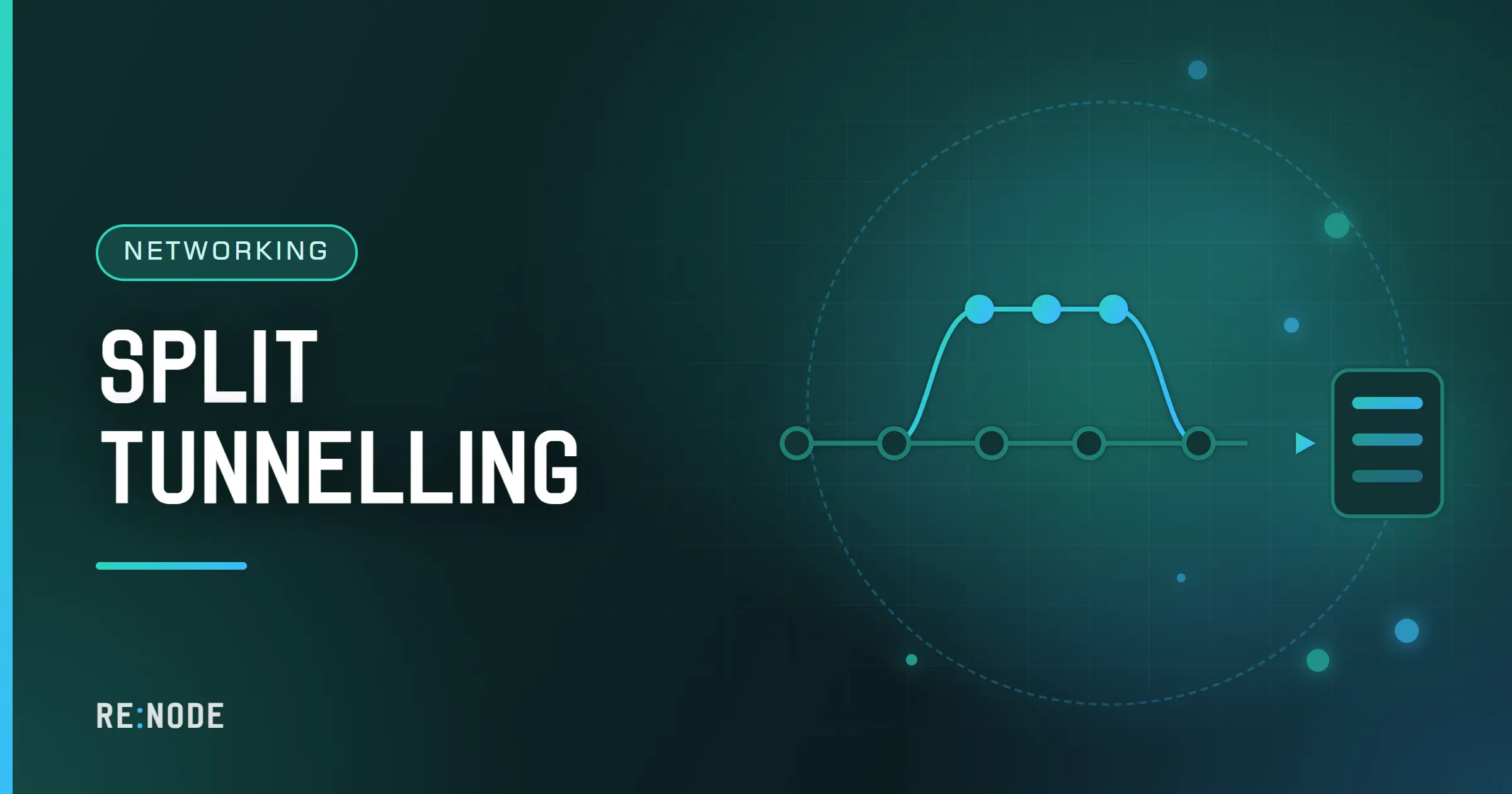
Split tunnelling means sending some of your traffic through the VPN and the rest straight out of your normal connection. The rule that decides can be based on the application (this browser through the tunnel, that game direct), on the destination address (everything except my home network through the tunnel), or, in proxy clients such as the Xray family, on the domain name (local banking sites direct, everything else through). The most common use, and the one nearly everybody needs, is the simplest: keep local network addresses out of the tunnel so the printer, the NAS and the TV still work while the VPN is on. Beyond that, every rule you add is a deliberate hole, and the traffic you send direct is exactly as visible as it would be with no VPN at all.
This post explains the three kinds of rule, how each platform implements them, the private address ranges worth bypassing, and the mistakes that turn a split tunnel into a leak.
Full tunnel, split tunnel and inverse split#
A full tunnel sends everything through the VPN. On the device, that is a route for the whole address space - 0.0.0.0/0 for IPv4 and ::/0 for IPv6 - pointing at the VPN interface, plus an exception for the VPN server's own address so the tunnel's packets can reach it.
A split tunnel replaces that catch-all with a narrower set. There are two ways to frame it:
- Exclude list: everything through the tunnel, except named apps, addresses or domains. This is the safe default; something you forgot goes through the tunnel.
- Include list: nothing through the tunnel, except named apps, addresses or domains. This is the inverse split, useful when you only want one browser or one work tool on the VPN. Something you forgot goes direct.
Pick the exclude form unless you have a specific reason not to. The failure mode of a forgotten exclusion is a slower connection; the failure mode of a forgotten inclusion is a leak you will not notice.
Route-based splitting#
The oldest form works on the routing table. Each packet's destination address is matched against routes, and the most specific route wins. A VPN that adds 10.20.0.0/16 via the tunnel and leaves the default route alone sends only that company network through the VPN; one that adds 0.0.0.0/0 sends everything.
In WireGuard, this is AllowedIPs. On the client it means two things at once: which destinations are routed into the tunnel, and which source addresses are accepted from the peer.
[Peer]AllowedIPs = 0.0.0.0/0, ::/0[Peer]AllowedIPs = 10.20.0.0/16There is no "everything except" syntax in WireGuard; excluding the local network from a full tunnel means listing the complement of the private ranges, which online calculators generate as a long list of prefixes. The official Windows client's "Block untunneled traffic (kill-switch)" option only applies when the allowed list is the full catch-all, which is worth knowing before you start trimming it.
OpenVPN does the same with routes pushed by the server, which a client can refuse and replace:
route-nopullroute 10.20.0.0 255.255.0.0route 192.168.1.0 255.255.255.0 net_gatewayroute-nopull ignores routes the server pushes, the next line sends one network through the tunnel, and net_gateway sends a network via your normal gateway instead.
Route-based rules are blunt but honest: they apply to every application, including system services, because they live below the applications.
Per-app splitting#
Per-app rules pick traffic by which program sent it. Android supports this directly: a VPN app can give the system a list of allowed or disallowed applications, and the operating system enforces it. That is why nearly every Android VPN client, v2rayNG and Hiddify included, offers a per-app proxy or per-app VPN screen where you tick apps in or out.
On Windows and macOS there is no equivalent system feature, so clients implement per-app rules themselves, with network filtering drivers or by matching process names in their own routing engine. Quality varies. iOS lets enterprise-managed VPNs work per app; ordinary consumer VPN apps generally cannot, and do their splitting by destination instead.
Per-app splitting is the most intuitive form - "my bank app direct, everything else through" - and it has a blind spot: system services, background updaters and anything that runs under a shared process are hard to classify. An app that hands its networking to a system component can end up on the wrong side of the rule.
Domain and rule-based splitting in Xray clients#
Proxy clients such as the Xray and sing-box family see more than addresses: they see the hostname of each connection, either from the request itself or by "sniffing" the TLS handshake. That allows rules by domain, and by curated lists of domains and IP ranges grouped by country or category.
Underneath, an Xray routing section looks like this:
{ "routing": { "domainStrategy": "IPIfNonMatch", "rules": [ { "type": "field", "ip": ["geoip:private"], "outboundTag": "direct" }, { "type": "field", "domain": ["domain:mybank.example"], "outboundTag": "direct" }, { "type": "field", "network": "tcp,udp", "outboundTag": "proxy" } ] }}Rules are read in order and the first match wins. geoip:private is the built-in list of private and local ranges. domain: matches a domain and all its subdomains. domainStrategy controls whether a domain that matched no domain rule is resolved so IP rules can be tried: AsIs never resolves, IPIfNonMatch resolves only when no domain rule matched, IPOnDemand resolves as soon as an IP rule is reached.
You rarely write this JSON by hand. v2rayNG has routing settings where you add domains and IPs to direct, proxy or block lists, Hiddify offers rules that send a chosen country's sites direct, and Shadowrocket has a rule mode with lines such as DOMAIN-SUFFIX,mybank.example,DIRECT and a FINAL,PROXY catch-all. The ideas are the same everywhere: a list of matches, an action for each, and a default at the end.
Local addresses worth bypassing#
Whatever else you do, these ranges should not go through a VPN to a server in another country. Nothing on the far side can answer them, and sending them there breaks local devices.
| Range | What it is |
|---|---|
10.0.0.0/8 | Private network (RFC 1918) |
172.16.0.0/12 | Private network (RFC 1918) |
192.168.0.0/16 | Private network, most home routers |
169.254.0.0/16 | Link-local, devices without DHCP |
100.64.0.0/10 | Carrier-grade NAT shared space |
224.0.0.0/4 | Multicast, used for device discovery |
fc00::/7 | IPv6 unique local addresses |
fe80::/10 | IPv6 link-local |
Leaving these out is what makes Chromecast, AirPlay, network printers, a NAS and the router's admin page work with the VPN on. Most clients have a single option for it, and the Xray geoip:private list covers it. The CGNAT range is a judgement call: some mobile and ISP networks use it for internal services, and some overlay networks such as Tailscale use it for their own addresses.
When splitting is worth it#
- Local sites that refuse foreign addresses. Banks, government portals and some streaming services block or challenge logins from data-centre addresses abroad. Sending those domains direct keeps them working.
- Large local transfers. Backups to a NAS, game downloads from a nearby CDN, video calls with people in the same city. Detouring them through a server in another country costs time and capacity for no benefit.
- Games. A game server close to you is usually reached fastest directly; see does a VPN lower ping in games for when the tunnel helps and when it hurts.
- Work tools. A corporate VPN that needs to coexist with a personal one is a classic case for routes rather than apps.
And when it is not: on a hostile network such as hotel or cafe wifi, every direct rule is traffic the network can see. VPN on public wifi explains what that exposes. If the reason you run a VPN is a network that filters or watches, a full tunnel with only local addresses excluded is the right setting.
Mistakes that turn a split into a leak#
Include lists that forget things. Only the browser through the tunnel, and the browser's sync service, crash reporter and update checker run as separate processes that go direct.
Domain rules without DNS rules. The connection goes through the tunnel; the lookup went to the hotel's resolver first.
WebRTC and UDP in proxy-only modes. A browser routed through a system proxy can still send WebRTC traffic directly, because it is UDP and ignores the proxy.
IPv6 forgotten. Rules written for IPv4 ranges leave IPv6 traffic following the system default, which may be direct.
Country lists that are wrong. IP-to-country databases are approximate; a site on a global CDN may be classified as local or foreign depending on the node you hit. Domain rules are more predictable than country rules for anything that matters.
After any rule change, check your public address from an app on each side of the split, and run the leak tests again.
Checking which way traffic goes#
A split tunnel is only as good as your knowledge of where each kind of traffic actually ends up. Three checks cover it.
From an app on each side. Open a "what is my IP" page in a browser that should go through the tunnel, and in one that should not (or from an excluded app that has a built-in browser). One should show the VPN server's address, the other your own.
From the routing table. On a route-based setup, the operating system will tell you which interface it would use for a given destination:
Windows: Find-NetRoute -RemoteIPAddress 10.20.1.5Linux: ip route get 10.20.1.5macOS: route -n get 10.20.1.5The output names the interface and gateway. A destination you meant to tunnel should show the VPN interface; a local printer should show your normal adapter.
From the client's log. Xray-family clients can log each connection with the rule it matched and the outbound it used - proxy, direct or block. Turning the log level up for a few minutes while you open the sites in question is the fastest way to find a rule that is not matching the way you thought, especially with domain rules where the client may see an IP address rather than a name.
Do the checks again after client updates. Rule lists such as the built-in country and category databases are updated with the app, and a site can move from one side of a split to the other without you changing anything.
Split tunnelling with a private server#
On RE:NODE the private VPN line runs Xray with VLESS and Reality, and the routing rules described above live in your client, not on the server. The server simply carries what the client sends it: your own address and key, nobody else on it, no traffic cap. On Android, v2rayNG and Hiddify give you per-app and routing settings; on iPhone, Shadowrocket's rule mode is the most flexible; on Windows, the Renode VPN app connects with the link the server prints for full-tunnel use, and a general client such as Hiddify can be used with the same link if you want detailed rules. Because the server is in Germany, sending nearby local traffic direct often makes a noticeable difference to speed. VPN use is restricted in some countries, so check the law where you are, and the client setup guide has the steps for importing the link in each app.
FAQ#
Is split tunnelling less secure than a full tunnel?
The traffic you send direct has no VPN protection at all, so yes, by exactly that much. Whether it matters depends on the network. At home, sending your printer and local banking direct costs little; on public wifi, every direct rule is visible to the network.
Why does my printer stop working when the VPN is on?
Because the client is sending local addresses through the tunnel to a server that cannot reach your printer. Turn on the client's option to bypass local or private addresses, or add the private ranges to its direct rules.
Can I send just one app through the VPN?
On Android, yes - every major client has a per-app setting, and you can switch it to include only the apps you pick. On desktop it depends on the client. An include list is easy to get wrong, so verify with an address check from that app and from one outside the list.
Do routing rules slow the connection down?
Not noticeably. Matching a connection against a few hundred rules is trivial. Large country lists add a little memory use in the client. What slows a connection is the path, and splitting usually speeds things up by keeping local traffic local.
Should games go through the VPN or direct?
Usually direct, unless your ISP routes badly to the game's servers or blocks the game. A detour through a server in another country adds distance, and VPNs that run over TCP add stalls on lossy connections.
Comments
Completely anonymous: no account, no email, no cookie. We store the name you type, the text and the time - nothing else. Links are limited and markup is not rendered.