
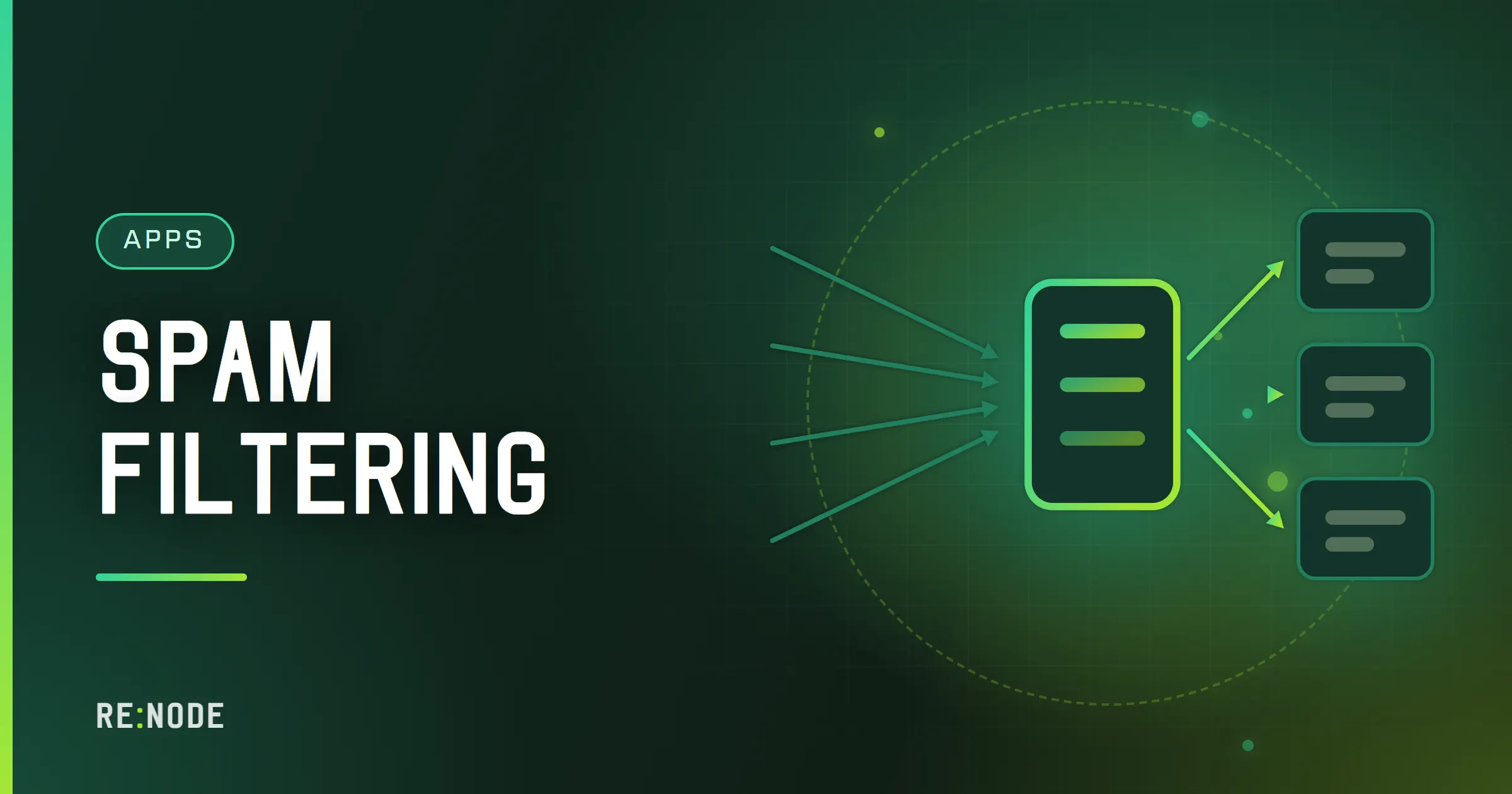
A spam filter is not one test. It is a few dozen small tests, each adding or subtracting points, and a threshold that turns the total into a decision: deliver, file in Junk, or refuse. The tests that do most of the work are not about the words in the message at all. They are about where the message came from - whether the connecting address is on a blocklist, whether SPF, DKIM and DMARC pass, whether the sending server behaves like a real mail server - and they are decided before the body has finished arriving. Content analysis and a trained statistical classifier catch most of what is left. The job of whoever runs the server is mostly to choose thresholds, keep the classifier fed with good examples, and investigate the false positives, because a legitimate invoice in Junk costs more than ten spam messages in the inbox.
How a spam score is built#
Every serious filter - SpamAssassin, Rspamd, and the filter built into Stalwart - works the same way in outline. Each rule that fires has a weight; the weights are summed; the sum is compared with thresholds. A typical scored message has a dozen rules attached:
| Signal | Typical effect | Why it works |
|---|---|---|
| Connecting IP on a DNS blocklist | Large positive | Known compromised or spamming hosts |
| SPF fail, DKIM fail, DMARC fail | Positive | Forged or misconfigured sender |
| DMARC pass with an aligned domain | Negative | The domain owner vouches for it |
| No reverse DNS, or a generic one | Positive | Home connections and botnets |
| Links to domains on a URI blocklist | Large positive | The payload is the link |
| Bayesian classifier says spam | Positive, scaled | Learnt from your own mail |
Malformed headers, missing Date or Message-ID | Small positive | Bulk tools cut corners |
| Sender has written to this user before | Negative | Reputation per correspondent |
Thresholds differ between products. SpamAssassin's traditional default for marking a message as spam is 5.0; Rspamd ships with separate actions for greylisting, adding a header and rejecting, with rejection far higher than marking. The exact numbers matter less than the shape: one threshold above which mail goes to Junk, and a much higher one above which it is refused outright. The gap between them is where the uncertain mail lives, and putting it in Junk rather than refusing it is what lets a user rescue the false positives.
No single rule should be able to push a message over the rejection line on its own, except the ones you trust absolutely. A blocklist hit plus a forged DKIM signature is a confident rejection. A blocklist hit alone, on a list known for false positives, should only be enough for Junk.
Reject at the door or file in Junk#
A mail server has two moments to act on spam, and they have different consequences.
During the SMTP conversation, up to and including its reply at the end of the DATA phase, the server can refuse the message with a 5xx reply. The sending server then owns the problem: if the mail was legitimate, the sender gets a bounce from their own server explaining it was rejected, and knows to try another way. Nothing is lost silently.
After accepting the message, the server can only file it in Junk, tag it, or discard it. It must not bounce it - by then the sender address is probably forged, and bouncing sends mail to an innocent third party whose address was used. That is backscatter, and it gets servers blocklisted themselves.
So the rule is: everything you are confident about is rejected during SMTP, and everything uncertain is accepted and filed. Silent discarding of accepted mail is almost never the right choice, because nobody - not the sender, not the recipient - finds out.
DNS blocklists#
A DNS blocklist (DNSBL) is a list of IP addresses published through DNS. To check 198.51.100.23 against Spamhaus ZEN, the server reverses the octets and queries a name under the list's zone:
$ dig +short 23.100.51.198.zen.spamhaus.org127.0.0.4No answer means the address is not listed. An answer in 127.0.0.0/8 means it is, and the specific value says why - for ZEN, 127.0.0.2 is the SBL (known spam sources), 127.0.0.4 to 127.0.0.7 the XBL (compromised machines), and 127.0.0.10 and 127.0.0.11 the PBL (address ranges that should not be sending mail directly, such as home connections). Every list documents its own codes, and a test entry at 127.0.0.2 lets you check that lookups work: dig +short 2.0.0.127.zen.spamhaus.org should return answers.
There are three kinds of list worth knowing:
- IP lists check the connecting server. Spamhaus ZEN is the best known; Barracuda's list requires a free registration; SpamCop's is driven by user reports.
- Domain and URI lists check the domains in links and headers. Spamhaus DBL, SURBL and URIBL are the usual ones, and they catch spam sent from clean, freshly rented servers, because the link still points somewhere known.
- Allowlists (DNSWLs) do the opposite, lowering the score for addresses known to send legitimate mail.
Blocklists are the cheapest and most effective single defence, and also the source of most false positives on small servers. A small company's mail sometimes comes from a shared hosting server whose neighbour got the address listed. Weight lists by how much you trust them, rather than rejecting on any hit.
Greylisting#
Greylisting exploits a difference between real mail servers and spam software. When a message arrives from a combination of sending IP, sender address and recipient that the server has not seen before, it is temporarily refused with a 4xx reply such as 451 4.7.1 Try again later. A real mail server queues the message and retries a few minutes later, and the retry is accepted. Spam software that fires and forgets never comes back.
It used to remove a large share of spam on its own. Its effect is smaller now - spam is increasingly sent through real mail infrastructure, including compromised accounts at large providers, which retries like anyone else - and Stalwart's own documentation says as much. Its costs are unchanged:
- First mail from any new correspondent is delayed by the sender's retry interval, which ranges from a minute to half an hour or more.
- Large senders retry from a different IP in a pool, so the triplet does not match and the delay repeats. Some filters relax the match to the network rather than the single address for this reason.
- Login codes and password resets arrive after they have expired. This is the complaint you will actually hear.
A reasonable middle ground is to greylist only mail that already scores as suspicious, rather than every new sender. That catches the fire-and-forget senders that look bad anyway, and leaves the bank's one-time code alone.
Authentication results as spam signals#
SPF, DKIM and DMARC were designed for sender authentication, not spam detection, but their results are among the most useful inputs to a score. SPF, DKIM and DMARC explained covers how they work; on the receiving side what matters is how to weigh them.
- DMARC pass means a domain owner has taken responsibility for the message. That is a useful negative score, though it says nothing about whether the domain owner is a spammer. Spammers authenticate their own domains perfectly well.
- DMARC fail on a domain with `p=reject` means the owner has asked receivers to refuse such mail. Honour it, and reject during SMTP.
- SPF fail without DMARC is weaker evidence than it looks, because forwarding breaks SPF routinely. A small positive score, not a rejection.
- No authentication at all from a domain that sends lots of mail is suspicious; from a tiny domain it is just old-fashioned.
The practical effect is that authentication sorts mail into "someone vouches for this" and "nobody does", and the rest of the score decides within each group.
Bayesian filtering and training#
The statistical classifier is the part of the filter that learns your mail rather than everyone's. It splits messages into tokens - words, header fragments, URL parts - and keeps counts of how often each token appears in spam and in legitimate mail. A new message gets a probability from its tokens, and that probability becomes a score. Stalwart's classifier is a hybrid of the naive Bayes and inverse chi-square methods, and trains itself automatically as mail passes through it.
Statistical classifiers have well-understood requirements:
- Both sides of the argument. It needs legitimate mail as well as spam, in comparable quantities. A classifier trained only on spam learns that every word is spammy.
- A minimum before it is trusted. Most implementations ignore the classifier until it has seen a few hundred messages of each kind. A new server leans on blocklists and rules for its first weeks.
- Correct corrections. When a user moves a message into Junk, or out of it, that is the most valuable training signal you will get. Make sure the users know that moving the message is the correction, and that deleting a spam from the inbox teaches nothing.
- Per-user or shared. A shared classifier trains faster; a per-user one handles the person whose job involves mail that looks like marketing. On a small server, shared is the usual choice.
If the classifier drifts - a run of false positives that all share a theme - the cause is almost always a batch of mis-training, such as a user dragging a whole newsletter folder into Junk because they no longer wanted it. Unsubscribing is the right tool for unwanted newsletters; training is for spam.
Content rules, and why they matter less than they used to#
Classic content rules - shouting subject lines, "free" and "winner", an image with no text, hidden text in the HTML - still fire, but each carries a small weight because legitimate marketing does all of the same things. What still pays off in content analysis:
- The links. A message whose visible link text names one domain while the
hrefpoints at another, or whose links use a shortener or a freshly registered domain, is far more suspicious than any wording. - Attachments. Executables, scripts, macro-enabled Office documents and archives containing them are the delivery mechanism for most malware. Many servers reject the riskiest file types outright.
- Structure. Messages with only an HTML part and no plain text, or with headers in an order no real client produces, betray bulk tooling.
Fuzzy hash services such as Pyzor and Razor compare a digest of the message with digests other servers have reported, which catches identical spam sent to many recipients. Stalwart's filter supports these collaborative digest checks as well.
False positives: finding them and fixing them#
A false positive is the expensive kind of error. Somebody did not get a quote, a delivery notification or a contract, and nobody knew. Finding them is a habit:
- Ask users to look at Junk for the first few weeks and report anything wrong, rather than emptying it unread.
- Read the headers of the misfiled message. The filter writes its verdict and score into headers - look in the message source for the spam status and the list of rules that fired, plus the
Authentication-Resultsheader with SPF, DKIM and DMARC results. - Fix the cause, not the symptom. If one blocklist keeps tagging a supplier, lower that list's weight. If DKIM fails because the supplier's mail is broken, tell them; a forwarded copy of the headers is usually enough.
- Allowlist narrowly. Allow a sending domain only when it passes DKIM or DMARC for that domain, never on the
From:address alone. Spammers forgeFrom:freely, and an allowlist entry for a bare address is an invitation.
The reverse problem - your mail landing in other people's Junk - is a different subject with different fixes, covered in why email goes to spam.
Filing spam with Sieve
Sieve is the standard language for server-side mail rules, and Stalwart supports it, with ManageSieve for clients that edit rules. A rule that files tagged mail into Junk looks like this:
require ["fileinto"];if header :contains "X-Spam-Status" "Yes" { fileinto "Junk"; stop;}The header name the filter writes varies between products and configurations, so open a tagged message's source and copy the exact name and value before relying on a rule. Per-user Sieve rules are also where users can file a noisy but legitimate sender into its own folder, which is a much better answer than training the classifier that their mail is spam.
The spam filter on a RE:NODE mail server#
The Mail Server line runs Stalwart, and the spam filter is part of it, configured from the same web admin as domains, mailboxes and DKIM. Blocklists, greylisting and the classifier's behaviour are all settings there; check the Stalwart documentation for the version your server shows, because the configuration layout changed between releases. Receiving mail at all needs port 25, which support forwards to your server on request - and once it is open, scanners and spam arrive within hours, so spend the first week watching Junk rather than assuming the defaults suit your mail. If you are still deciding whether to run your own server at all, the self-hosted mail server guide is the honest version of that decision.
FAQ#
Should I reject spam or put it in the Junk folder?
Both, at different confidence levels. Reject during the SMTP conversation when you are certain, so a legitimate sender gets a bounce and knows. Put uncertain mail in Junk so users can rescue it. Never bounce mail after accepting it, because the sender address is usually forged and the bounce goes to an innocent party.
Is greylisting still worth turning on?
Partly. It still stops fire-and-forget spam software, but much spam now comes through real mail servers that retry. Its cost - delayed first messages and expired login codes - is the same as ever. Greylisting only mail that already looks suspicious keeps most of the benefit with little of the cost.
Why does every message suddenly score as spam?
Usually a DNS blocklist problem. If the server queries blocklists through a public resolver, some lists answer with an error code that a misconfigured filter reads as "listed". Check the scores in a message's headers: if the same blocklist rule fires on every message, that is the cause.
How long does Bayesian training take to help?
Weeks rather than days. Most classifiers stay out of the score until they have a few hundred examples of both spam and legitimate mail. Until then, blocklists and authentication results carry the load. Make sure users move misfiled mail rather than deleting it, because that is the training.
Can I allowlist a supplier whose mail keeps getting caught?
Yes, but allowlist the authenticated domain, not the From: address, and first look at why they are being caught. A failing DKIM signature or a listed sending IP is their problem to fix, and a short note with the headers usually fixes it for every recipient, not just you.

Comments
Completely anonymous: no account, no email, no cookie. We store the name you type, the text and the time - nothing else. Links are limited and markup is not rendered.