
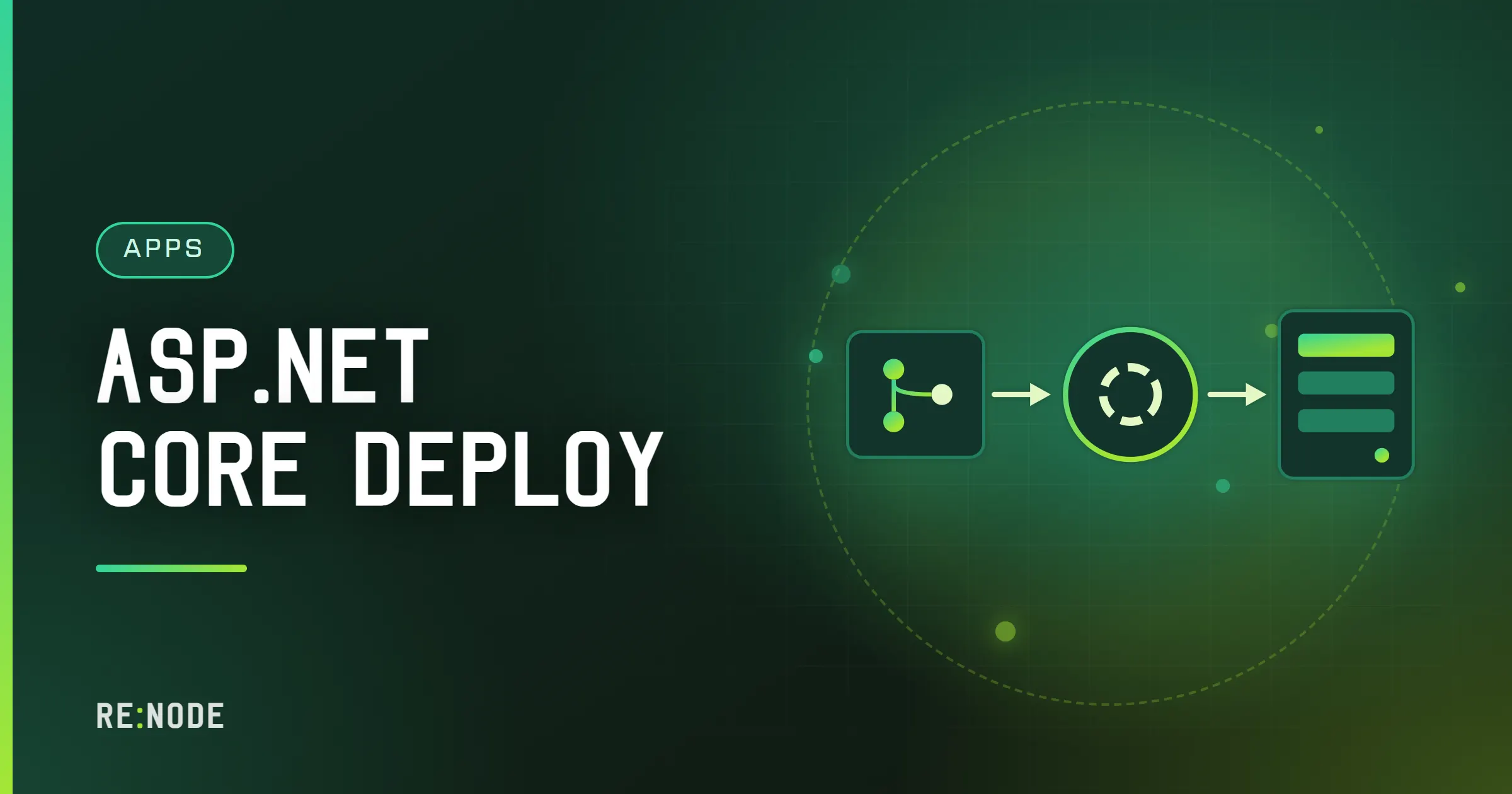
An ASP.NET Core app deploys from GitHub in four moves: the server pulls the repository, dotnet publish turns the project into a folder of compiled output, dotnet YourApp.dll starts Kestrel, and Kestrel listens on the port the host gave you, on every interface. Almost every failed first deploy is one of those four done slightly wrong - a publish that picks the wrong project, a start command that returns instead of staying in the foreground, or Kestrel listening on localhost:5000 because nobody told it otherwise. This post goes through each step in the order it runs, with the settings that only matter once the app is not on your laptop.
None of it is specific to one host. The examples use a panel with Git deploy and a reverse proxy in front, because that is what most small .NET apps run on, but the same commands work on a VDS with systemd.
How a Git deploy runs a .NET app#
A Git deploy is not magic and it is not a build pipeline. It is a clone (or a pull, on later deploys) into the server's filesystem, followed by the start command. For a .NET project that start command does two jobs: build the code, then run it.
There are two honest ways to arrange this, and the choice decides how long a restart takes.
- Build on the server. The start command runs
dotnet publishand then starts the result. Nothing compiled goes into Git. The cost is that every start - not only every deploy - pays for a restore and a compile, which is 20 seconds on a fast machine and a minute or more on half a core. - Build in CI, run on the server. A GitHub Actions workflow publishes the app and commits the output to a separate branch (call it
deploy), and the server tracks that branch. The start command is onlydotnet App.dll. Starts are fast and the server never needs the SDK's memory, at the price of a workflow file to maintain.
Most people should start with the first and move to the second when restart time starts to annoy them. Both are covered below.
What the repository needs before it will deploy#
A .NET repository that builds cleanly on your machine can still fail on a server, usually for one of these reasons.
There is more than one project. dotnet publish with no argument looks for a project or solution file in the current directory. If the root holds a .sln with a web project, a class library and a test project, publishing the solution publishes all of them into the same output folder, and you get a mess or an error about multiple projects writing the same file. Name the project you mean: dotnet publish src/Shop.Web/Shop.Web.csproj.
`bin` and `obj` are committed. They must not be. A committed obj folder carries restore state from your machine (including absolute paths to your NuGet cache), and the server's build then fails in ways that look like package corruption. The standard dotnet new gitignore output excludes both.
The SDK version is unpinned. A global.json at the root tells the dotnet command which SDK to use:
{ "sdk": { "version": "10.0.100", "rollForward": "latestFeature" }}rollForward: latestFeature accepts any later feature band of the same major version, so 10.0.100 also matches 10.0.2xx. Without global.json the newest installed SDK builds your code, which is usually fine. With a global.json that names an SDK the server does not have, the build stops with "A compatible .NET SDK was not found" - so pin to the major version you target, not to the exact patch on your laptop. .NET versions and LTS support covers which major version to target.
Package versions float. If you want the server to restore exactly what you tested, turn on the lock file. Add <RestorePackagesWithLockFile>true</RestorePackagesWithLockFile> to the project, commit the packages.lock.json it produces, and restore on the server with --locked-mode, which fails rather than silently resolving something new.
The start command#
The start command runs on every start of the container, not only after a push. For the build-on-server approach it looks like this:
dotnet publish src/Shop.Web/Shop.Web.csproj -c Release -o out \ --disable-build-servers && exec dotnet out/Shop.Web.dllWhat each part is doing:
-c Releasebuilds with optimisations. Since .NET 8,dotnet publishdefaults to Release for projects targeting .NET 8 or later, but writing it out costs nothing and protects older projects.-o outputs the published files in a known folder. Without it they land inbin/Release/net10.0/publish/, a path that changes when you change target framework.--disable-build-servers(SDK 7 and later) stops MSBuild and the Roslyn compiler server from staying resident after the build. On a desktop those background processes make the next build faster. On a 1 GB server they sit next to your app holding a few hundred megabytes of memory for a build that will not happen again until the next restart.execreplaces the shell with the .NET process, so the stop signal from the panel reaches your app directly and it can shut down cleanly.
The command must stay in the foreground. A script that backgrounds the process, or a start command that only builds, looks like an application that exited, and it will be restarted in a loop.
For the build-in-CI approach, the workflow publishes on a GitHub runner and pushes the output folder to the deploy branch, and the start command shrinks to exec dotnet Shop.Web.dll. Restarts then take a second or two. The trade is that the published output in the branch must match the runtime on the server: a framework-dependent build for .NET 10 needs a .NET 10 runtime there. dotnet publish and its runtime options explains framework-dependent versus self-contained output, which removes that dependency.
Kestrel, the port and ASPNETCORE_URLS#
Kestrel is the web server built into ASP.NET Core. It is fast, it is production-grade, and with no configuration it listens on http://localhost:5000 - which, inside a container, means nobody outside the container can reach it. The launchSettings.json file that sets your local ports is read only by dotnet run and Visual Studio; a published app started with dotnet App.dll ignores it completely.
Your plan has a port allocation, shown in the panel, and the app must listen on that port on all interfaces. Kestrel reads its addresses from several places, in this order of precedence (later wins over earlier):
| Source | Example | Notes |
|---|---|---|
ASPNETCORE_HTTP_PORTS | 8080 | .NET 8 and later. Ports only, all interfaces |
ASPNETCORE_URLS | http://0.0.0.0:8080 | Full URLs; overrides the ports variable |
--urls argument | --urls http://0.0.0.0:8080 | Overrides the environment |
Kestrel:Endpoints in config | appsettings.json | Replaces the URL settings above |
Listen calls in code | ListenAnyIP(port) | Also replaces the URL settings |
For a panel-hosted app the simplest correct setup is an environment variable on the Startup tab:
ASPNETCORE_URLS=http://0.0.0.0:25571Use the port number your plan actually shows. If you prefer not to copy a port into two places, read it in code. Panels pass the allocated port to the process as an environment variable (on Pterodactyl-based panels it is SERVER_PORT), and you can bind to it explicitly:
var builder = WebApplication.CreateBuilder(args);var port = Environment.GetEnvironmentVariable("PORT") ?? Environment.GetEnvironmentVariable("SERVER_PORT");if (port is not null){ builder.WebHost.ConfigureKestrel(k => k.ListenAnyIP(int.Parse(port)));}var app = builder.Build();app.MapGet("/healthz", () => Results.Ok(new { ok = true }));app.Run();ListenAnyIP binds both IPv4 and IPv6 on that port. http://+:8080 and http://*:8080 in ASPNETCORE_URLS mean the same thing as 0.0.0.0; all three work.
Listen on plain HTTP. TLS is terminated by the proxy in front of the app, so Kestrel does not need a certificate, and configuring an HTTPS endpoint inside the container gives you a certificate problem with no benefit. The ASP.NET Core template's development certificate does not exist on a server; if your configuration still has an https:// URL in it, startup fails with "Unable to configure HTTPS endpoint. No server certificate was specified".
Environment, appsettings and connection strings#
ASP.NET Core picks its environment from ASPNETCORE_ENVIRONMENT (or DOTNET_ENVIRONMENT), and when neither is set the environment is Production. That default is correct for a server, and it changes behaviour you will notice: the developer exception page is off, appsettings.Development.json is not loaded, and user secrets are not read.
That last one is the classic first-deploy failure. Everything worked locally because the database password was in user secrets; on the server it is simply not there, and the app fails on its first query with a null connection string. Configuration on a server comes from appsettings.json, then appsettings.Production.json, then environment variables, and the environment wins.
Put secrets in environment variables on the Startup tab. Nested keys use a double underscore:
ConnectionStrings__Default=Host=203.0.113.10;Port=5432;Database=shop;Username=shop;Password=...Stripe__SecretKey=sk_live_...builder.Configuration.GetConnectionString("Default") then reads the first one, and builder.Configuration["Stripe:SecretKey"] the second. The full layering, the options pattern and how to validate settings at startup are in ASP.NET Core configuration and secrets. On RE:NODE, an app plan includes two database slots created in the panel with a generated host, user and password, so the connection string is something you copy into the Startup tab rather than invent. If you need SQL Server, MySQL or PostgreSQL as its own server, that is database hosting; .NET with PostgreSQL, MySQL or SQL Server covers the provider packages for each.
One more file that has to survive deploys: the Data Protection key ring. ASP.NET Core uses it to encrypt authentication cookies and antiforgery tokens, and by default it lives under the user's home directory. If that location is not persistent, or if the keys are regenerated, every user is signed out on restart. Persist them somewhere you know survives a redeploy and is outside the tracked repository:
builder.Services.AddDataProtection() .PersistKeysToFileSystem(new DirectoryInfo("/home/container/keys"));Adjust the path to wherever your server's persistent files live. ASP.NET Core authentication basics explains what breaks when keys rotate unexpectedly.
A domain, HTTPS and the forwarded headers#
With Kestrel on plain HTTP, the domain and certificate belong to the proxy. On RE:NODE every app plan includes a proxy slot: point an A record at the address shown and the certificate is issued and renewed automatically, inside a 21-day window. The real client address arrives in X-Forwarded-For.
Your app has to be told to believe that header, or it will see every request as coming from the proxy over plain HTTP. Two things go wrong when it does not:
HttpContext.Connection.RemoteIpAddressis the proxy's address, so logs and rate limits treat every visitor as one person.Request.Schemeishttp, soUseHttpsRedirectionredirects a request that already arrived over HTTPS, and the browser loops until it gives up with "too many redirects".
The fix is the forwarded headers middleware, registered first:
builder.Services.Configure<ForwardedHeadersOptions>(o =>{ o.ForwardedHeaders = ForwardedHeaders.XForwardedFor | ForwardedHeaders.XForwardedProto;});var app = builder.Build();app.UseForwardedHeaders();By default the middleware only trusts proxies on loopback, so a proxy at another address is ignored until you add it to KnownProxies. Getting that right without letting anyone forge their IP is the whole subject of ASP.NET Core behind a reverse proxy, along with HSTS and WebSockets. If you are new to the idea, what a reverse proxy actually does is the background.
The first deploy, step by step#
- Push the repository with a
global.json, nobinorobj, and a health endpoint such as/healthzthat returns 200 without touching the database. - Connect the repository in the panel. On RE:NODE that is GitHub only, through a GitHub App with short-lived tokens, so private repositories work.
- Set the start command: publish to
out, thenexec dotnet out/YourApp.dll. - On the Startup tab, set
ASPNETCORE_URLStohttp://0.0.0.0:plus your allocated port, and add the connection strings and secrets. - Start the server and watch the console. A healthy start ends with
Now listening on: http://0.0.0.0:25571andApplication started.If you seehttp://localhost:5000instead, step 4 did not take. - Request the health endpoint by IP and port. Then set up the proxy slot and request it by domain.
- Turn on the two deploy switches if you want them: pull on every start, and deploy on push, which restarts only a server that was already running - so a server you stopped on purpose stays stopped. Each deploy is recorded, which tells you which commit is live.
The panel side of this is walked through with screenshots in the deploys guide. The flow is the same as for Node; deploy a Node.js app from GitHub has more on how pull-on-start and deploy-on-push interact.
Troubleshooting the first deploy#
"Now listening on: http://localhost:5000" and nothing connects. Kestrel never received your address. Check the spelling of ASPNETCORE_URLS and that the value starts with http://. A typo in an environment variable name produces no error at all.
"A compatible .NET SDK was not found". global.json names an SDK that is not installed. Loosen it to the major version with rollForward, or remove it.
"You must install or update .NET to run this application". The framework-dependent output targets a runtime the server does not have - for example a net10.0 app on a machine with only the .NET 8 runtime. Target the installed version or publish self-contained.
"Failed to bind to address ... address already in use". Another process (often your own previous instance, or a build server you forgot) holds the port, or two endpoints in configuration name the same port.
The build dies half way through with no error. Memory. The compiler was stopped at the limit; see the warning above.
The app restarts every few minutes. Read the last lines before each restart. An unhandled exception during startup, such as a failed database connection in Program.cs, ends the process, the platform starts it again, and the loop repeats. Fail with a clear message rather than a stack trace, and check why your server keeps restarting for how restart loops are detected.
Every user is logged out after a deploy. Data Protection keys were not persisted. See above.
Static files 404 in production. wwwroot is copied by dotnet publish only if the files are part of the project. Files added by a front-end build that runs after publish, or excluded in the .csproj, never reach out. Build the front end first, then publish.
FAQ#
Do I need IIS or nginx in front of Kestrel?
No. Kestrel has been a supported edge server for years. What you need is TLS termination and a domain, which the proxy slot provides; adding nginx inside the container duplicates it and gives you a second set of timeouts to tune.
Should I commit the published output to the main branch?
Not to the branch you develop on. Compiled output in the same branch as source produces enormous diffs and merge conflicts. If you want fast restarts, have CI publish to a separate branch and point the server at that.
Why does every restart take so long?
Because the start command restores and compiles each time. That is the price of building on the server. Pre-building in CI, or keeping the solution small, cuts it to seconds.
Can I run database migrations as part of the deploy?
You can, but think about what happens when a migration fails half way. EF Core migrations in production compares applying them at startup with migration bundles and idempotent scripts.
Which .NET version should a new app target?
The current long-term support release, which as of October 2026 is .NET 10. It is supported until November 2028, so you are not forced into an upgrade within the year.
How much memory does a small ASP.NET Core API need?
A minimal API at idle uses well under 100 MB; a typical app with EF Core and a few dozen endpoints sits between 100 and 300 MB under light load. Builds on the server need more than the app does. .NET memory and garbage collection explains why the number you see depends on the GC mode.


Comments
Completely anonymous: no account, no email, no cookie. We store the name you type, the text and the time - nothing else. Links are limited and markup is not rendered.