
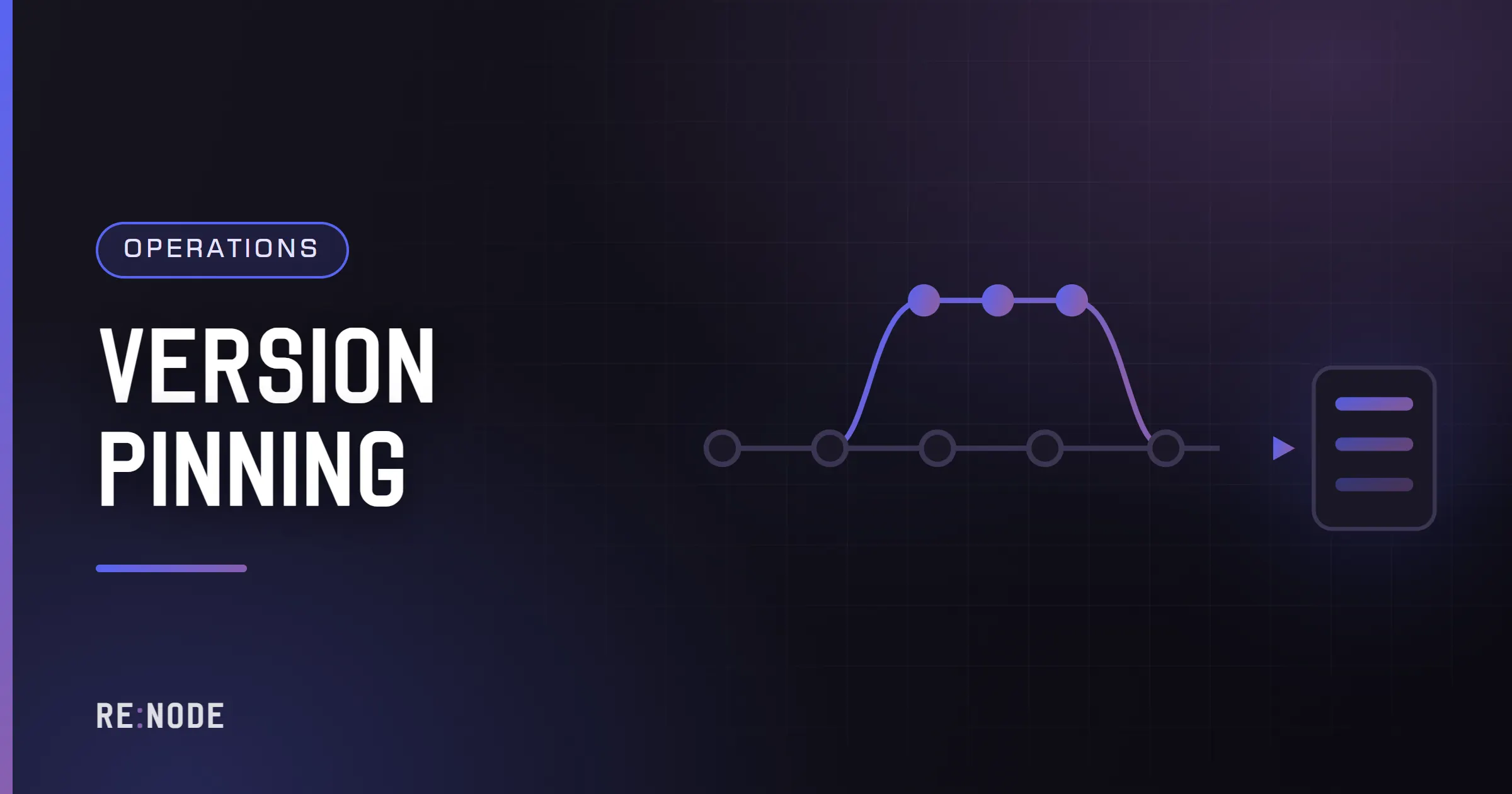
Pinning a game server's version means stopping it from moving to a new build until you choose to; rolling back means returning it to an older one after an update went wrong. For games you download yourself - Minecraft, Factorio, FiveM, Terraria - both are easy: keep the old server file and put it back. For Steam games they are harder, because SteamCMD always installs the current build of a branch, so the only supported ways back are a beta branch the developer publishes for older versions or a manual depot download, and either is useless unless players can run the same old version on their side. And in every game, the world has to go back too: an update that converted the save will usually not let the old build read it. Plan for that before update day, because the night it breaks is too late to discover the old branch does not exist.
This post covers when pinning is worth it, how branches and depots work, how to pin each common kind of server, and a rollback procedure that brings back both the server and its world. Routine update automation is covered in automating game server updates; SteamCMD itself in SteamCMD explained.
Why pin a version at all#
Most vanilla servers should not pin anything. The clients update, so the server has to follow. Pinning makes sense when:
- Mods are not ready. A modded Valheim, Rust, 7 Days to Die or Minecraft server depends on mods built for one game version. Until they update, the new version means a broken server.
- An event is running. A tournament, a season finale or a long-planned raid should not change rules halfway through.
- The update is broken. Developers ship bugs. Sometimes the right response to a patch that crashes servers is to stay on the previous build until a fix lands.
- The community chose a version. Modpack servers, Minecraft servers on an older version for a particular mod, Factorio groups mid-run.
The constraint that decides everything is whether players can stay on the old version too. A pinned server that nobody can join is just a stopped server with extra steps.
The client constraint, game by game#
| Game | Can players choose an older version? | Practical consequence |
|---|---|---|
| Minecraft Java | Yes, any version, in the launcher | Pin freely; players pick the matching version |
| Factorio | Yes, older versions offered as Steam betas | Pin freely; the group agrees on a version |
| FiveM | Clients follow the server's build within supported ranges | Pin server artifacts; check support windows |
| Terraria | Not easily; Steam updates the client | Short pins only, around tModLoader or TShock catching up |
| 7 Days to Die | Usually; older versions are kept as Steam beta branches | Pin to a branch; players opt into the same one |
| Valheim | Only around a public test, not for old builds generally | Effectively no long-term pin |
| Rust, CS2, Palworld | No | No pin; the server must follow the client |
| Project Zomboid | Major builds have run as opt-in beta branches | Pin to whichever build is default or opted into |
Branch availability changes over time and is decided by each developer, so check the list for your game before relying on it. In the Steam client, the game's Properties then Betas shows which branches exist for players; the dedicated server's branches are listed by SteamCMD's app_info_print, or on SteamDB under the app's depots and branches.
Steam beta branches#
A branch is a named build the developer has published alongside the default public one. SteamCMD installs a branch with -beta:
# install or switch to a named branch$ ./steamcmd.sh +force_install_dir /srv/7dtd +login anonymous \ +app_update 294420 -beta latest_experimental validate +quit# branches protected by a password$ ./steamcmd.sh +force_install_dir /srv/game +login anonymous \ +app_update <appid> -beta <branch> -betapassword <password> +quit# back to the default$ ./steamcmd.sh +force_install_dir /srv/7dtd +login anonymous \ +app_update 294420 -beta public validate +quitInclude validate when switching branches. Files from one branch that do not exist in the other are otherwise left behind, and a server running with a mixture is a server crashing in odd ways.
To see which branches exist for a server app without opening Steam:
$ ./steamcmd.sh +login anonymous +app_info_update 1 \ +app_info_print 294420 +quit | grep -A 40 '"branches"'The output lists each branch with its build id and, where set, a description and whether it needs a password. The format of this output is not a documented interface and has changed before, so read it rather than parsing it blindly.
Two rules apply to branches everywhere. The client and server must be on the same branch, and the mismatch error rarely mentions branches - it says "version mismatch" or "incompatible". And once a branch is set, every later update stays on that branch, including the automatic updates of an update-on-restart switch, which is exactly what makes it a pin.
On a Pterodactyl-based panel, many Steam eggs expose the branch (and sometimes the branch password) as a startup variable, alongside an auto-update switch. Names differ between eggs; look on the Startup tab for your own server.
Pinning an exact build with download_depot#
Where no branch exists for the version you need, SteamCMD has a lower-level command that fetches a specific historical manifest of a depot:
download_depot <appid> <depotid> <manifestid>A depot is a bundle of files inside an app - typically one per operating system, plus shared content - and a manifest is one published state of that depot. The ids come from SteamDB's pages for the app, which list every depot and its manifest history. The command downloads into SteamCMD's own folder, under steamapps/content/app_<appid>/depot_<depotid>/, not into your server; you then copy those files over the installation.
It works, with conditions you should know before relying on it:
- It usually needs a real Steam login, not anonymous, and for some apps an account that owns the game. Use a spare account rather than your main one.
- It is not a supported workflow. Valve does not document it for this purpose and it has been unreliable at times.
- The next normal update undoes it. A later
app_update, or an update-on-restart switch, sees the installation as out of date and replaces it. Turn automatic updates off first. - Clients still have to match. Unless players can also run the old build, the server will be alone on it.
In practice download_depot is a tool for one night's emergency on a game whose clients can be held back, or for a private group willing to do the same on their side. It is not a way to run an old version of Rust in public.
Pinning games outside Steam#
For games you download as a file, pinning is just keeping that file.
Minecraft (Paper). The server is a jar. Keep the working one under a name that says what it is - paper-<version>-<build>.jar - and point the startup at it. A new Paper build within the same Minecraft version is usually a fix; a new Minecraft version converts the world on first load and is a deliberate upgrade, covered in Minecraft version upgrades. Plugins pin the same way: keep the jar that works, and a folder of the previous versions.
Factorio. Older headless builds remain downloadable from the archive on factorio.com. Keep the version you run, and note that a save opened in a newer version cannot then be opened in an older one.
FiveM. Server builds - artifacts - are numbered, and you choose which to run. The game build that clients use is pinned separately with sv_enforceGameBuild in server.cfg, which forces everybody onto a particular GTA V build. Old artifacts eventually fall out of support, so a pin there is a delay, not a permanent state; FiveM server updates and artifacts covers the recommended-build cycle.
Terraria and tModLoader. The dedicated server is a download per version; keep the zip. tModLoader on Steam offers older versions as branches for exactly this reason - mod compatibility.
Mods need pinning too#
A pinned game with unpinned mods is not pinned. Mods move on their own schedule:
- Steam Workshop always serves the latest version of an item. A server that downloads Workshop items on start gets whatever the author uploaded last night. To pin, copy the mod out of the Workshop cache into the game's local mod folder where the game supports local mods, and stop downloading it from the Workshop - with the catch that clients must then get the same version some other way.
- Mod sites such as Thunderstore, CurseForge, Modrinth and Nexus keep old versions available for download. Record which version you run.
- Plugin frameworks - Oxide, Carbon, SourceMod, BepInEx - are mods themselves, and the framework version matters as much as each plugin's.
A version manifest - a plain text file listing the game build, the loader and every mod with its version - makes pinning and rolling back a matter of reading a list. Running a test server beside production shows one, and what to do when a mod update breaks covers putting a single mod back.
Saves move forward, rarely back#
The world is the part of a rollback people forget. Many updates change the save format, and the game converts the world on first load with the new build. After that:
- Minecraft worlds opened in a newer version are not supported in an older one. The client warns before doing it in single-player; a server simply loads what it is given, and the result can be missing blocks, lost items or a crash.
- Factorio saves are refused by older versions.
- 7 Days to Die major versions generally require a new world anyway; minor patches usually keep compatibility within a version.
- Unreal-based survival games (Palworld, Satisfactory, Abiotic Factor) convert saves forward on load, with varying tolerance for going back.
So a rollback of the server is only half a rollback. The other half is the world as it was before the update - which exists only if you took a backup before the first start on the new build. That backup is the single most important step of any update, and the reason the panel's lockable backups exist: on RE:NODE a locked backup is never rotated away by the schedule, so the pre-update copy is still there a week later when someone notices the problem. Game server backup strategy covers what the backup needs to contain per game.
A rollback procedure#
When an update has gone wrong and fixing forward is not possible tonight:
- Stop the server and turn off anything that updates it automatically - the auto-update switch, scheduled restarts that update.
- Take a backup of the current state and lock it. It contains everything players did on the new version, which you may want to recover later.
- Restore the pre-update backup. If it includes the game files as well as the world, that restores both at once. If your backups exclude binaries (as they usually should), put the old build back separately: switch to the old branch, use a depot download, or replace the server file.
- Check the version in the startup log matches the one you meant.
- Check the world loaded under its real name, with the expected progress.
- Tell players which version to run and how - a beta branch to select, a launcher profile to use - and what time the world was restored to.
- Write down what broke and what would let you update again: a mod release, a hotfix, a config change. The pin is temporary; know what ends it.
Roll back, or fix forward?#
Rolling back is the right answer less often than it feels at 11 pm. A rough guide:
| Situation | Usually better |
|---|---|
| Vanilla server, clients already updated | Fix forward; you cannot roll back clients |
| One mod broken, others fine | Remove or replace that mod, stay on the new version |
| Many mods broken, authors updating within days | Roll back if clients can follow; otherwise run vanilla until they do |
| Save converted and damaged | Restore the pre-update world on the new version if it loads, otherwise roll back both |
| Game update itself crashes servers | Roll back where branches allow; watch for a hotfix |
Either way, the decision is easier when the update was first tried on a copy - see the update day checklist.
FAQ#
Can I downgrade a Steam dedicated server to an older version?
Only if the developer publishes the older version as a beta branch, or by downloading an old depot manifest with download_depot, which usually needs a Steam login and is unsupported. Either way, players must also be able to run the old version, which most Steam games do not allow.
How do I stop my server updating automatically?
Turn off the auto-update startup setting if your server has one, and make sure no scheduled task runs an update. On your own machine, remove the SteamCMD call from the start script. Setting a beta branch also keeps updates on that branch.
Will my world work if I roll the server back?
Only if it was saved before the update. Worlds converted by a newer version usually cannot be read correctly by an older one. Restore the backup taken before the update alongside the old server build.
Why can't my friends join after I switched to a beta branch?
Their clients are on the default branch and yours is not. Each player has to opt into the same branch in Steam's Betas tab, or you have to switch the server back to public.
How long can I stay on a pinned version?
As long as players can join it and you are comfortable without fixes. For Minecraft and Factorio that can be years. For games with forced client updates it is until the next patch, which is why pinning there is mostly about the hours or days around an update.
Comments
Completely anonymous: no account, no email, no cookie. We store the name you type, the text and the time - nothing else. Links are limited and markup is not rendered.